
Instant access to accurate customer information makes billing and invoicing easier, speeding cash flow and keeping accounts accurate.

Lawn Care & Landscaping Invoice Software
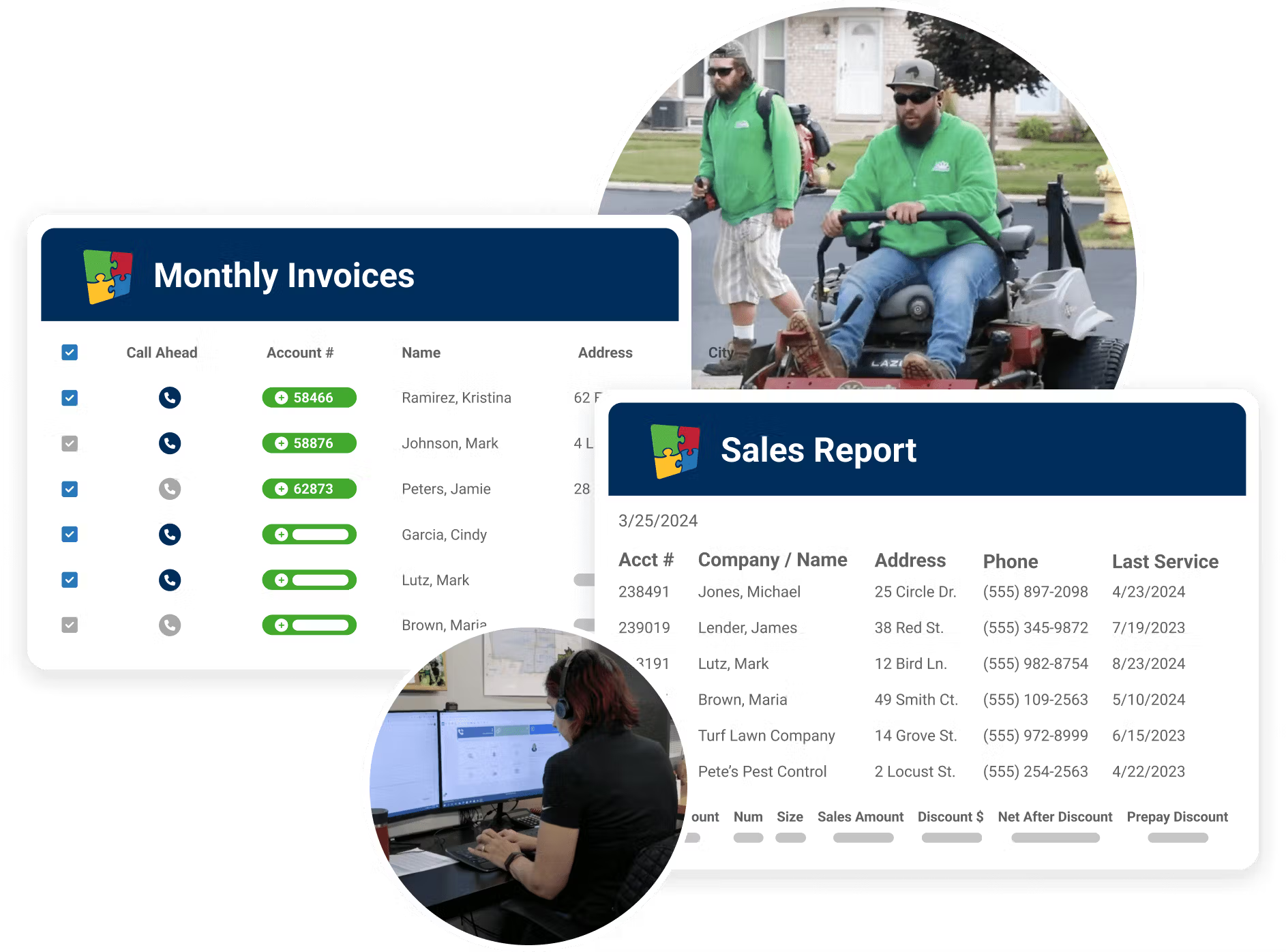
Top Lawn Care & Landscaping Invoicing Software Features

Billing & Payments
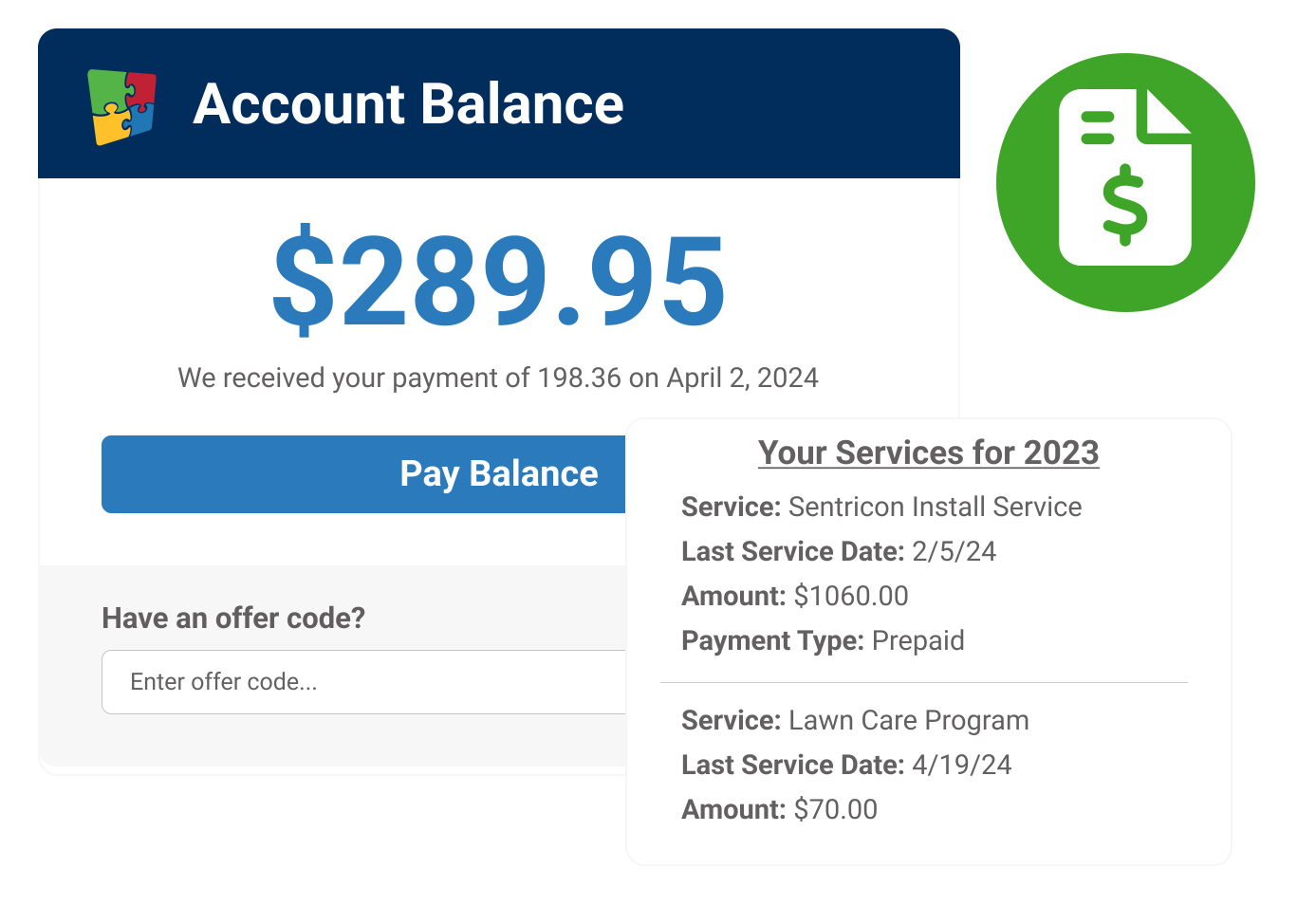
Landscaping Billing Software
Flexible Payment Options
- Make it easy for customers with a wide range of payment options
- Credit card auto-billing, pre-payment discounts, ACH, online payments, invoice consolidation, SMS Payments and more
- Offer pre-pay discounts and apply credits or adjustments
- Easily set up payment plans
- Integrate with Financial Services, WorkWave’s PCI Level 1 certified payment solution

Streamlined Invoicing
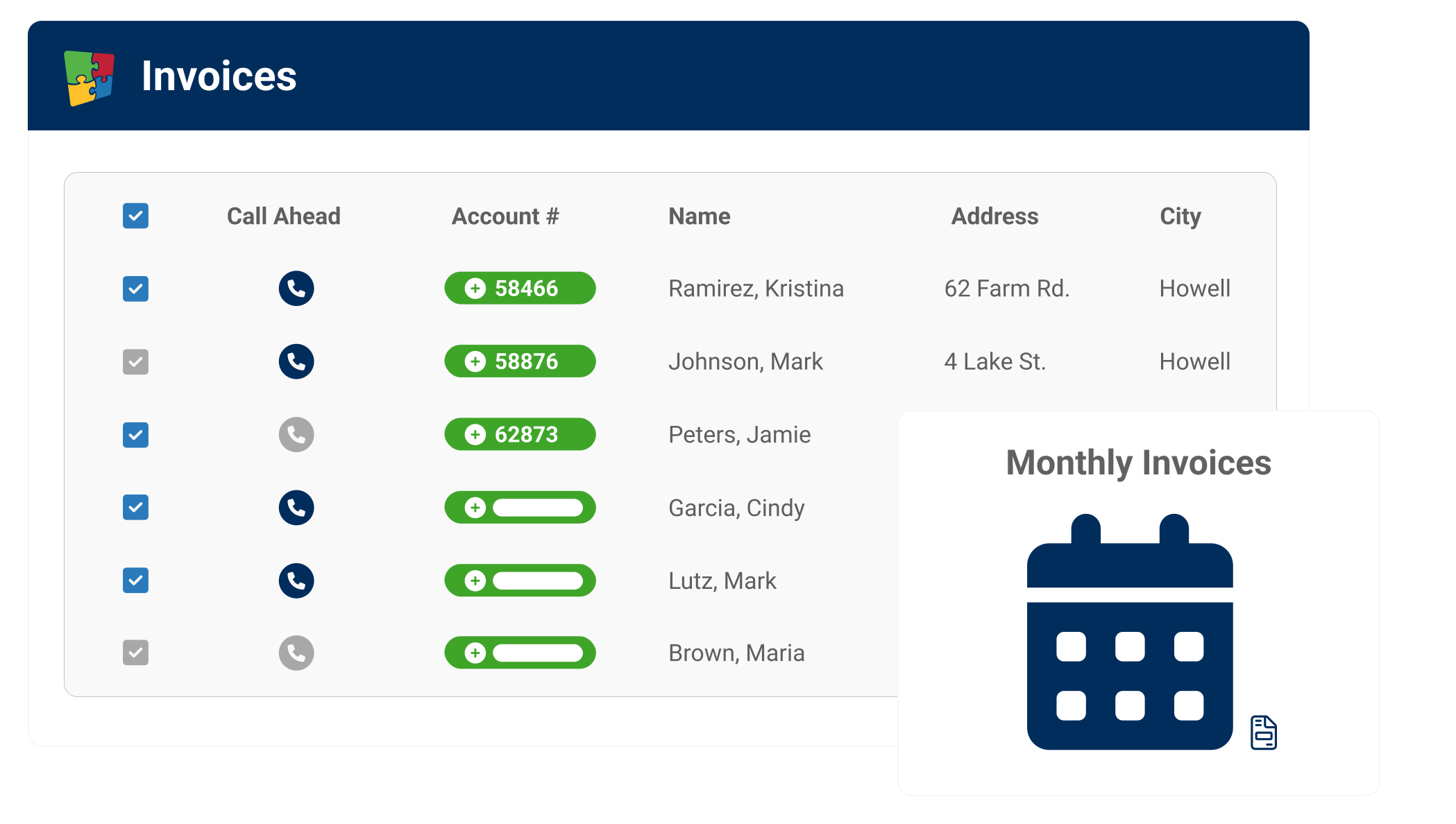
Landscaping Invoicing Software
Make Invoicing Easy
- Invoice directly from the field with mobile app
- Billing and payment reports let you know when and what to bill
- Auto-bill customers utilizing integrated PCI-DSS compliant credit card processing
- Schedule recurring invoices or automatically send payment requests when invoices are created

Manage Overdue Accounts
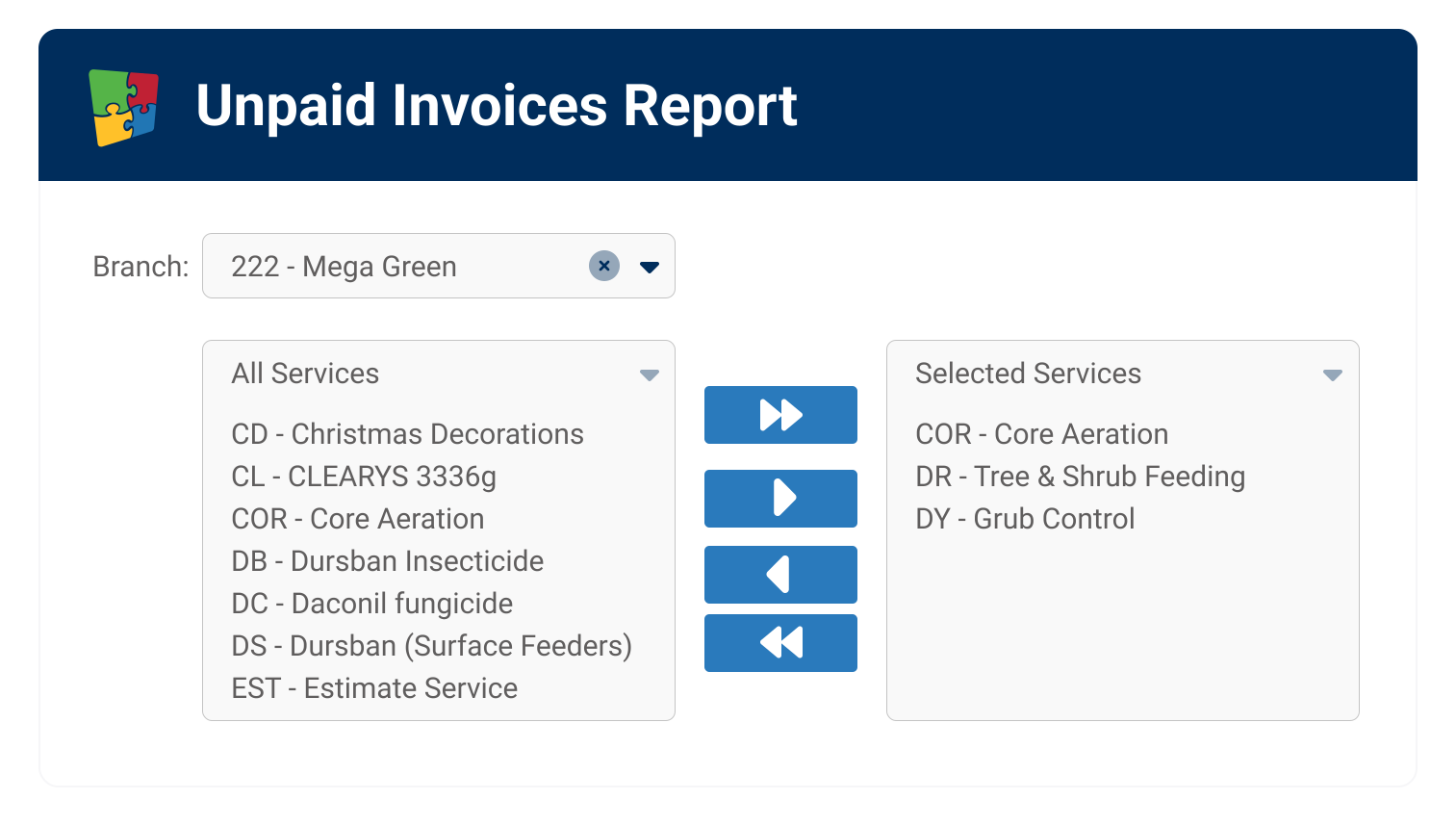
Landscaping Payment Notifications
Manage Past-Due Accounts
- Quickly view all past-due accounts and send out payment notifications
- Export past-due accounts to our approved collections partner
- Provide links and customer self-serve portal access for customers to easily pay their bills online
A Trusted Solution
As we kept growing and servicing different customers, we branched out and started providing more to our clients. Managing everything manually or with spreadsheets would be nearly impossible. This has been huge for ensuring we don't miss services."
James Manske, CEO Elkhorn Lawn Care
The way we can communicate with our customers gives us versatility that competitors don’t have: If customers prefer to receive an email or text message, two days prior to service or the day of, we have all of those abilities built-in within the system."
Richard DeWolf, Director of Business Solutions, Senske Services

In 2011, we had four employees. We were a half-million dollar company. By 2022, we had 50 employees and were a $5 million company. I think that tells you how much we have grown. It’s with RealGreen’s help that it was able to happen."
Bob Brower, General Manager, Lawn Plus

I love that RealGreen was built by someone who had their own lawn care company, so they understand the needs. They cover the whole gamut: customer communication, customer service, sales, operations, inventory. They're an excellent partner."
Grace DiBenedetto, GM, Grass Master Plus
Top Customers









We have the solution for you.
FAQ
What types of invoicing does RealGreen support?
RealGreen supports three billing methods: statement invoicing (batches all work in a billing period onto one invoice), regular invoicing (bills at time of service — ideal for one-off jobs and deposits), and installment invoicing (divides total annual services into equal recurring payments that automatically adjust if services are added or removed mid-year).
Does RealGreen support autopay and prepay billing?
Yes. RealGreen supports autopay enrollment, prepay incentives, and one-time payments through Customer Assistant® Websites. Businesses using CAW have 12% more customers on autopay than those without — improving cash flow and reducing collections time.
Does RealGreen integrate with QuickBooks?
RealGreen supports a one-way export to QuickBooks. You can manually export the General Ledger Report from Service Assistant® as an IIF file and import it into QuickBooks. Contact RealGreen to discuss your accounting workflow needs.
Can I automate payment reminders with RealGreen?
Yes. Automated Marketing Assistant® sends payment reminder emails automatically based on billing periods. Past-due alerts can also surface in the Customer Assistant® Website, reducing the time your team spends on collections.
Can I pass payment processing fees to customers?
Yes. RealGreen supports surcharging, which lets you add a convenience fee to credit card payments. This is applied as a line item on the invoice. Contact RealGreen for details on current surcharging options and setup.
Does RealGreen support multi-location billing and parent accounts?
Yes. You can set up parent accounts where multiple properties bill to a single entity — one invoice covers all locations, and one payment applies across them. Property managers can toggle between service addresses in the Customer Portal and view activity per location.
Ready to Grow?
Interested in learning how to grow your lawn business and better serve your customers? Check out our resources!